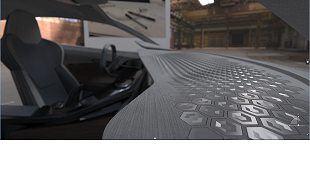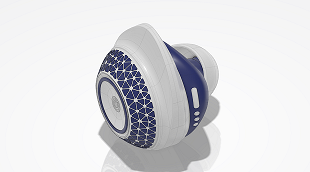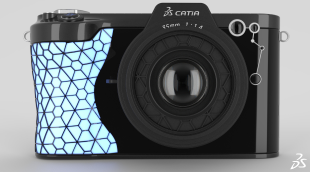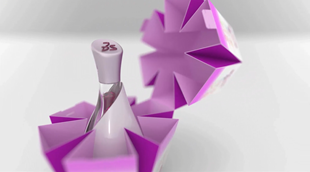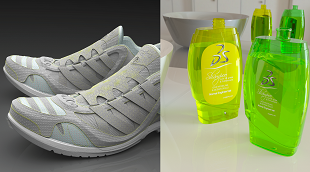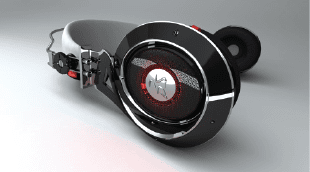
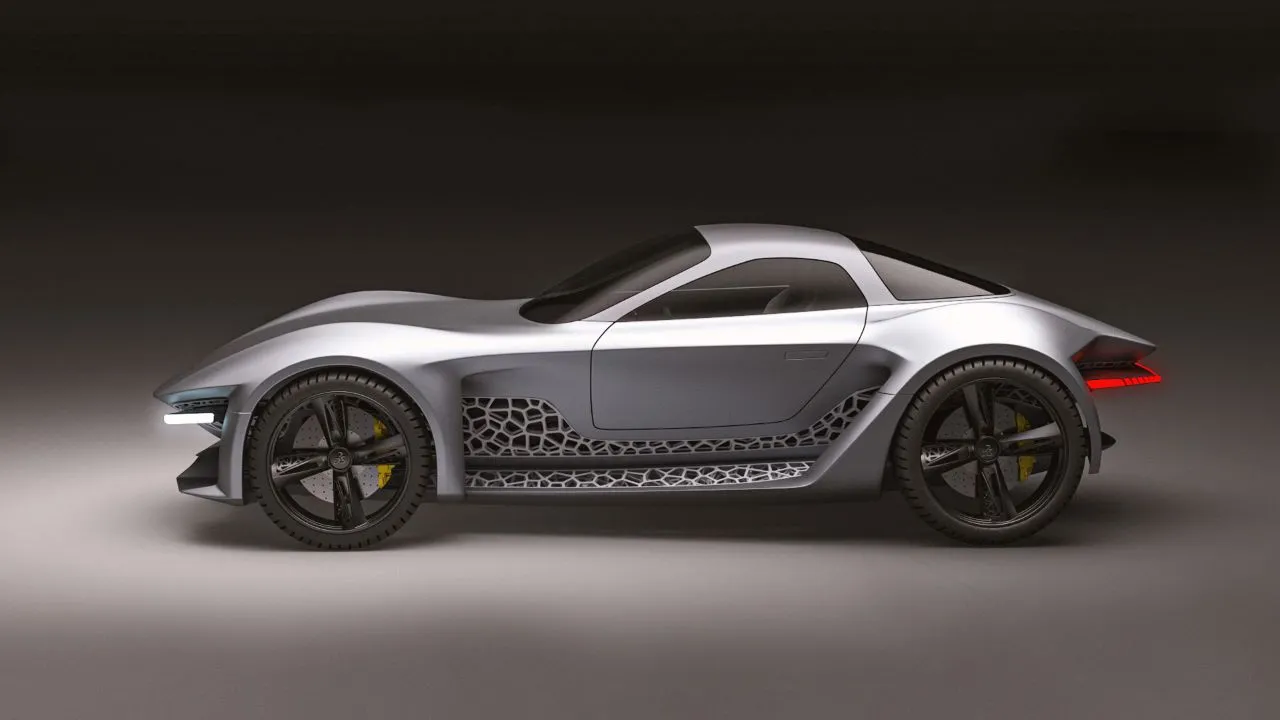
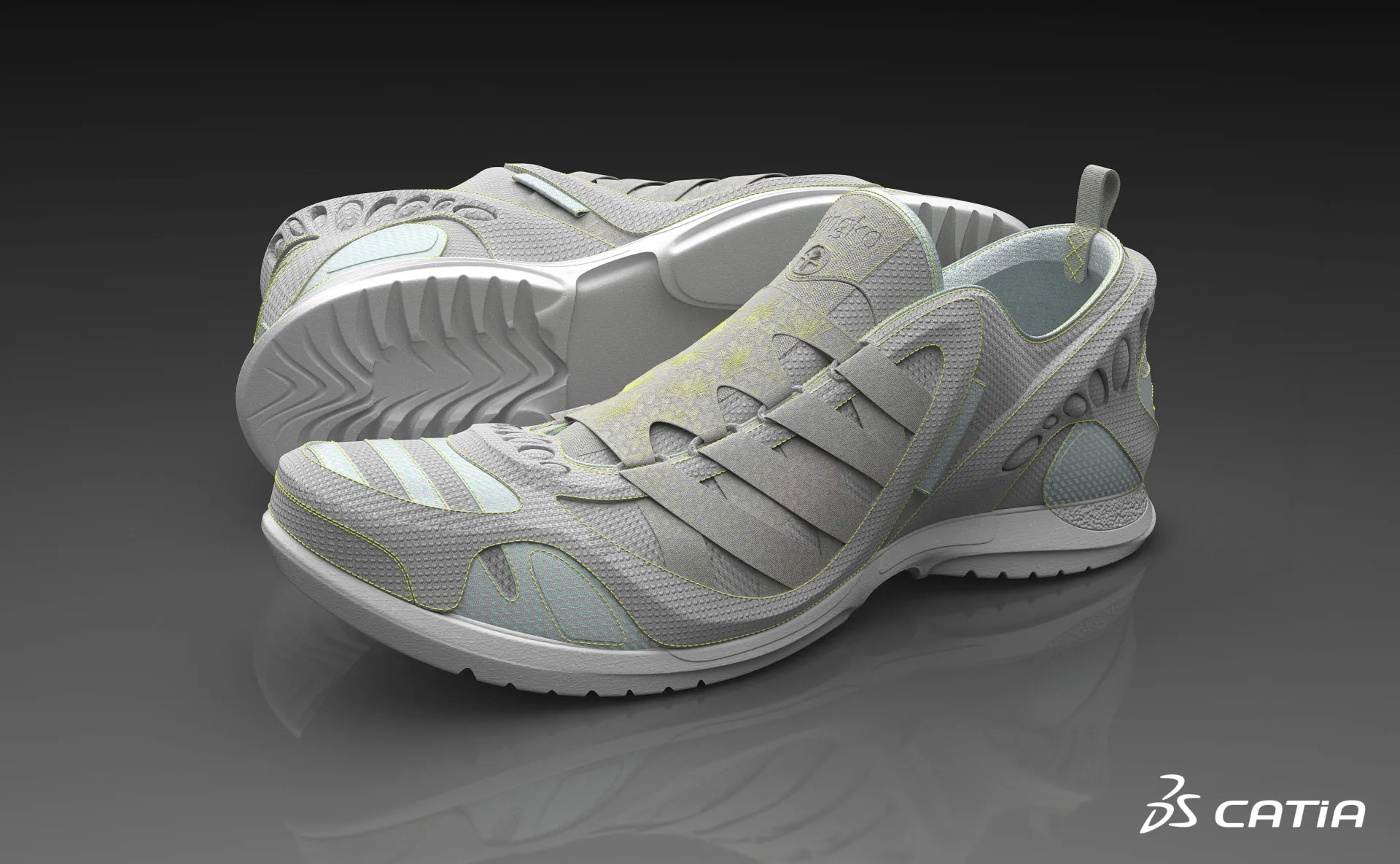
3D Pattern Shape Creator
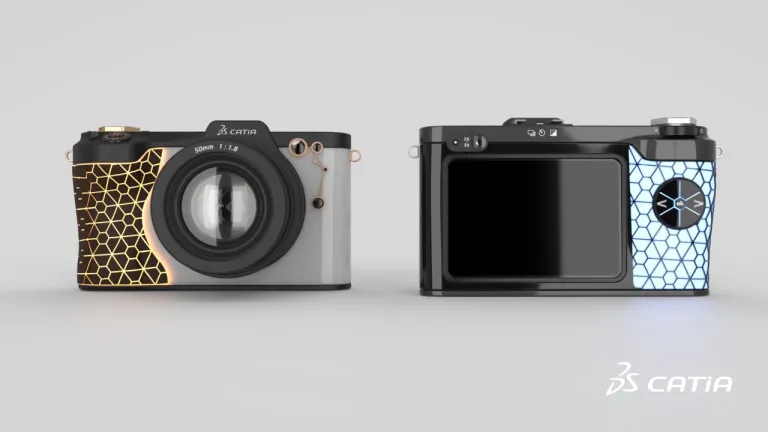
Design, explore and validate variants of complex, repetitive and non-regular shapes and patterns with an intuitive algorithmic approach
Role
From Conceptual Shape Ideation and Exploration to Human Centric User Experience
In the actual intense competition on the Consumer markets, the product Design & Styling is becoming strategic for the product sales success. Having innovative, appealing products and quickly on the market to follow the consumer trends is a key success factor. To meet this challenge, leading companies are investing in Industrial Design in terms of People, virtual Process & Tools.
Our customers need to develop their creativity to explore more design proposal in the same or reduced time than before. Products are becoming more & more complex, so there is an increasing need for iterative collaboration between Design, Engineering & Marketing departments. With CATIA Creative Design solutions, we provide the right offer and set of technologies to answer to these challenges.
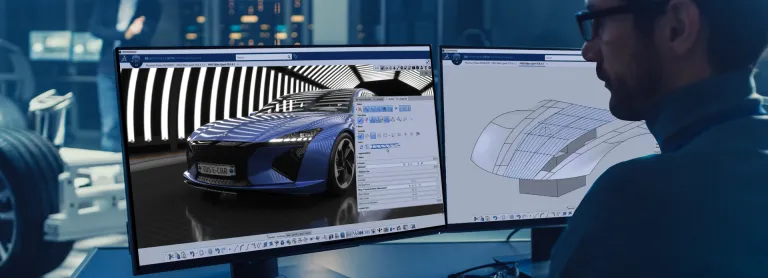
CATIA Creative Design offers an integrated industrial design solution on the 3DEXPERIENCE platform, to cover the complete creative design workflow. From a sequential to a collaborative workflow, designers can better define and produce any design, by working together on the same data.
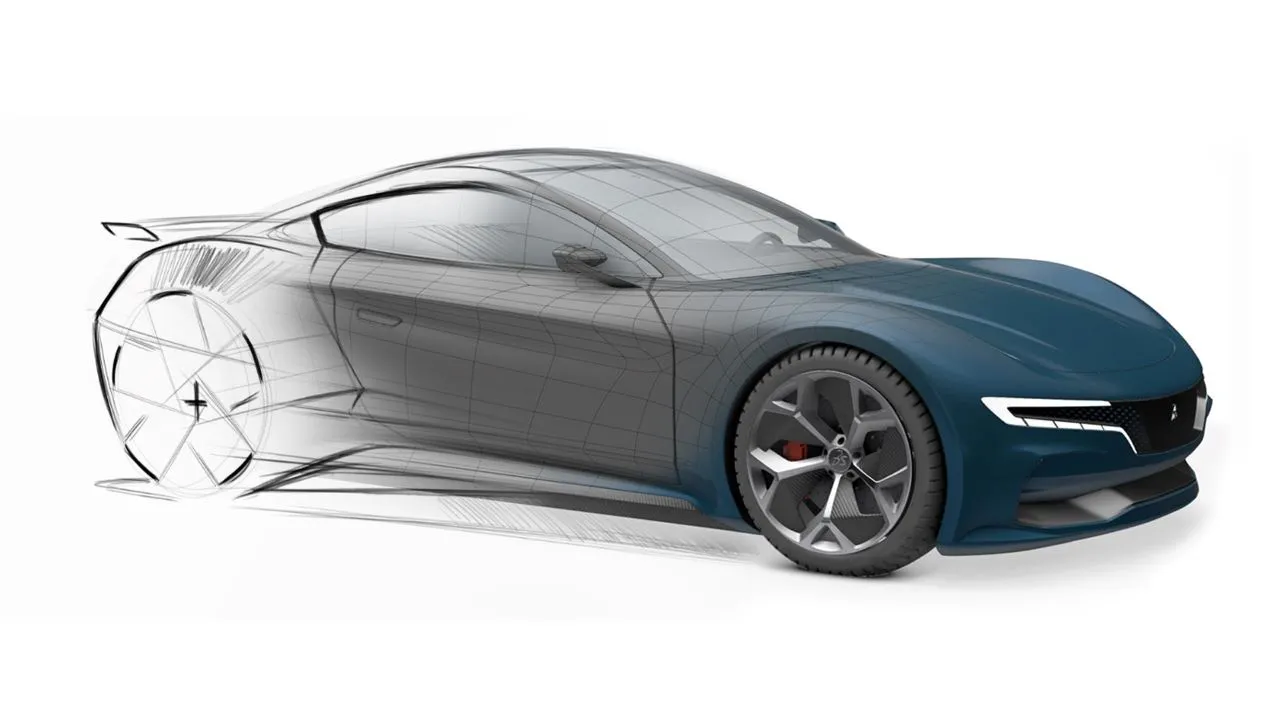
This empowers users to perform design sketch integration, ultra-fast 3D ideation concept modeling, a new and innovative Design by Algorithm approach, high-end real-time visualization, photo-realistic rendering, Virtual Reality experience and many more, all in context of the Human.
CATIA Creative Design offers key benefits to achieve high-quality products:

CATIA Creative Design software products are packaged as Roles on the 3DEXPERIENCE platform to get you up to speed faster and work more efficiently with all needed applications available at your fingertips. Select a package that corresponds to your role in an organization.
Design, explore and validate variants of complex, repetitive and non-regular shapes and patterns with an intuitive algorithmic approach
Role
Enable creative Design anytime, anywhere and on any device, with Web browser Applications for 3D Design, freeform Shape Sculpting and pattern Design
Role
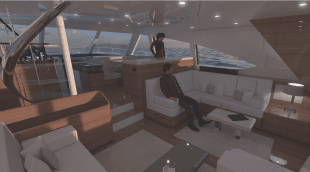
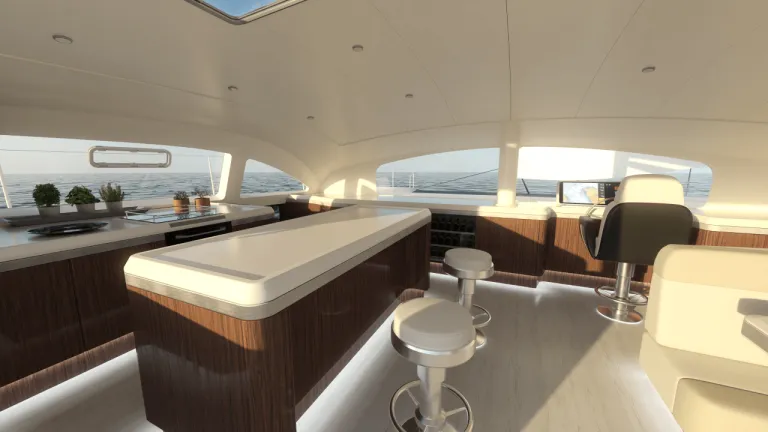
Imagine, Create & Experience the interior Design of yachts and boats, with a Unified Industrial Design workflow solution, for the best passenger Experience
Role
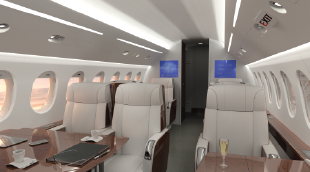
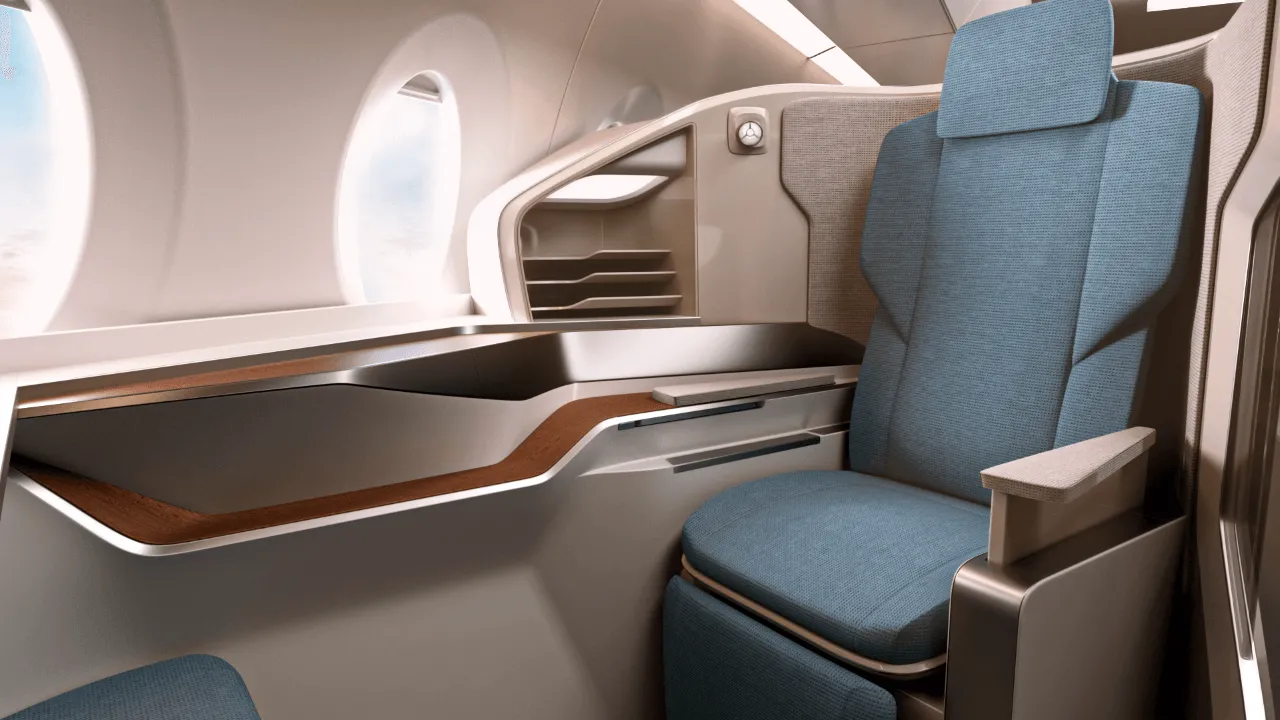
Imagine, Create & Experience the Cabin and its Monuments, with a unified Industrial Design workflow solution, for the ultimate Passenger Experience
Role
The most frequently used data importers for design visualization on the 3DEXPERIENCE platform, bundled into a collection
Role
Spark your Creativity! Imagine & explore conceptual designs through a comprehensive set of applications addressing ideation, concept modeling and visualization
Role
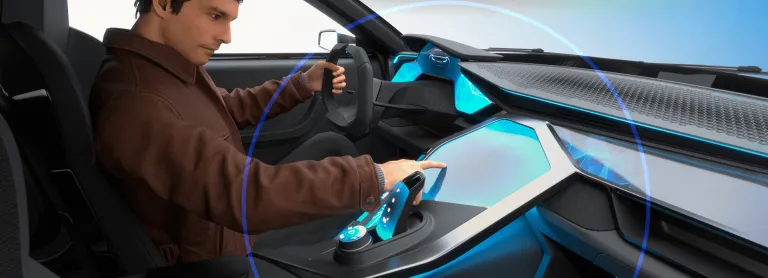
Move to the Experience Design thinking by adding Virtual Humans body and posture to your Design workflow
Role
Evaluate Human Postures and User Experience for Comfort and Safety studies with a Virtual Twin Human
Role
Imagine, Create & Experience the product of tomorrow with a complete and Unified Industrial Design workflow solution
Role
Make the best design by bringing concepts into qualified designs through a fully integrated styling and mechanical Design workflow
Role
Imagine, Create & Experience your Product, with a unified creative design workflow solution, for the best Consumer Experience
Role
Boost your creativity, design with quality and reduce time-to-market of your Product with a Unified Industrial Design workflow solution
Role
Designers, particularly young designers, express their ideas based on a high diversity of experiences and applications. [...] they can jump-start designing digitally in 3D [...] this design environment merging human interaction and computational power will inspire creativity. When combined, this is a powerful formula for inspiring innovation.

Youtube
Duration 3min 20s

Youtube
Duration 1min 34s

Youtube
Duration 3min 7s


The world of Creative Design is changing. Discover how to stay ahead with CATIA
Youtube
Duration 3min 20s
Following the ICEM Surf tutorial to learn. An interesting activity.
CATIA CREATIVE DESIGN & STYLING - USER COMMUNITY
In this session Michael Adrian and Ugo BARBA-LATA, CATIA Design & Styling experts explain how CATIA Immersive Solutions capabilities address VR scenarios that places the user inside a virtual, 1:1‐scale representation of your product. Explore the all new XR skillset of the 3DExperience platform. See how you can instantly review your model without data preparation and a powerful immersive user int
CATIA CREATIVE DESIGN & STYLING - USER COMMUNITY
Hello All,Se attached a little example of a corner fillet.Everything is full parametric and have G2 matching (btw super easy to change to G3...).All function are in ICEM Design Experience (IDX) except "Corner Fillet", who belongs to the App "ICEM Shape Morphing". As you see in the video (Min 1'26), it is easy to look for a function from another App without going there (just use the Command search
CATIA CREATIVE DESIGN & STYLING - USER COMMUNITY
Going from Concept to Production Quality Class A Surfaces
Visualize, Experience and Decide on your 3D Design
A Unified Industrial Design Workflow Solution
Speak with a CATIA expert to learn how our solutions enable seamless collaboration and sustainable innovation at organizations of every size.
Courses and classes are available for students, academia, professionals and companies. Find the right CATIA training for you.
Find information on software & hardware certification, software downloads, user documentation, support contact and services offering