Learning the basics of Ice Surfing
Following the ICEM Surf tutorial to learn. An interesting activity.
CATIA CREATIVE DESIGN & STYLING - USER COMMUNITY
The Art of Surface Modeling
ICEM Surf is the industry leading Curve and Surface explicit geometry modeling tool for defining, analyzing and performing high-end visualization of complex free-form shape CAD surface models to the highest quality. Used in product design processes throughout automotive, aerospace, consumer goods and press-tool design industries, providing solutions for direct surface modeling, refinement, reconstruction and scan modelling. Advanced tools such as Global modelling and industry defined analysis tools enable designers to detect subtle surface problems and check for compliances with regulations, whilst simultaneously performing high precision surfacing and experiencing real-time 3D visualization.
ICEM Surf Direct Interfaces to communicate with other systems:
*requires additional license
"Class A" at its best Accelerated surface creation with specialized analyzing tools, safety analyzes and reverse engineering functions
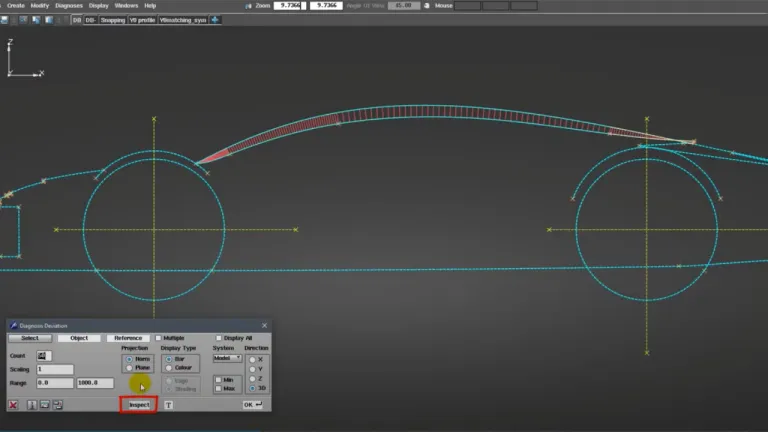
Thanks to the powerful and industry leading Curve and Surface modeling tools, designers have the full freedom to create high quality Class A surface geometry within intuitive and ergonomically optimized user interface supporting the need for rapid and efficient interactions during geometry creation and modifications. Advanced modification tools such as Control Point manipulation & Matching provide the capabilities and techniques that enable the user to control the shape of the design to within a micron of accuracy in order to achieve the desired aesthetical Class A quality, whilst at the same time, Real time dynamic diagnostic tools offer both numerical and graphical, provide the designer the necessary checks to ensure the desired quality is achieved in meeting aesthetical, engineering and often legislative requirements. In addition, advanced structured data management tools are provided to manage variants in support of design review processes.
An add-on Core module, ICEM Surf Master provides advanced tools to name a few for example, Feature Design that supports the rapid generation of design variants whilst maintaining the original design intent and quality or Global Offset to define wall thickness of Plastic or Sheet metal components or Global Blend to elegantly fill gaps between surfaces with extensive optional user management of the internal shape and its continuities. Additionally to simulate manufacturing processes, the Crowning tool allows the designer to compensate for the spring-back behavior of sheet metal after the pressing process.
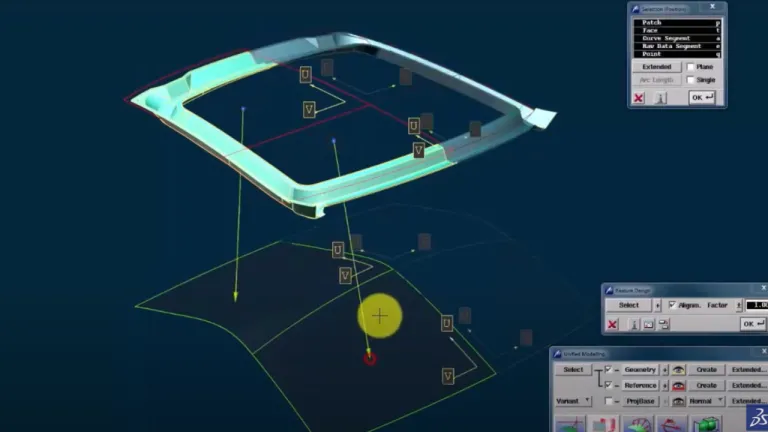
An add-on Core module, ICEM Surf Magic as its name suggests provides industry leading tools to perform dynamic Global geometry modifications to produce quick generation and modification of design variants for similar new models and concepts. The Unified Modelling environment allows the user to model either native ICEM Surf or Imported data both globally and dynamically (in real-time) whilst it is simultaneously being projected onto reference data.
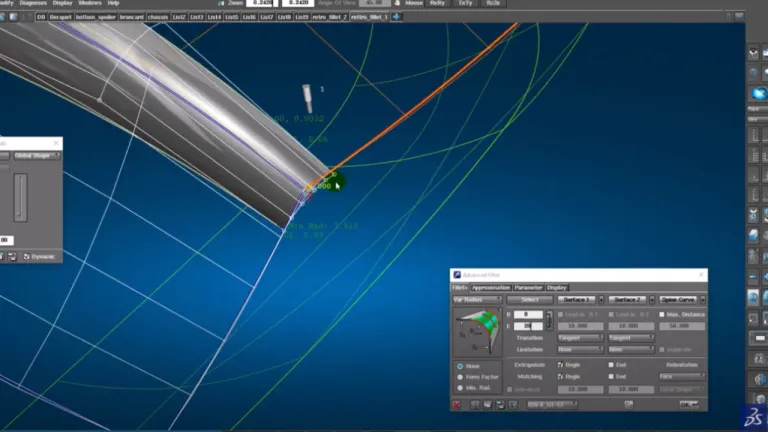
As an add-on module, ICEM Surf Advanced Tools enables users to take benefit from Industry driven advanced surfacing capabilities that deliver high productivity gains to aid the modeling and design of aesthetically shapes, driven by styling and engineering criteria. Supporting styling, engineering and manufacturing criteria within a component design, the designer can quickly generate complex shapes such as Gaps, Accelerated Surfaces, Advanced Fillets with powerful analysis tools to detect problem areas such as Gaps, Leveling, Flatness before manufacturing begins to avoid costly and time-consuming modification and re-testing loops, which in turn reduces the need for physical prototypes. In total we provide 11 geometrical functions and 5 analysis tools.
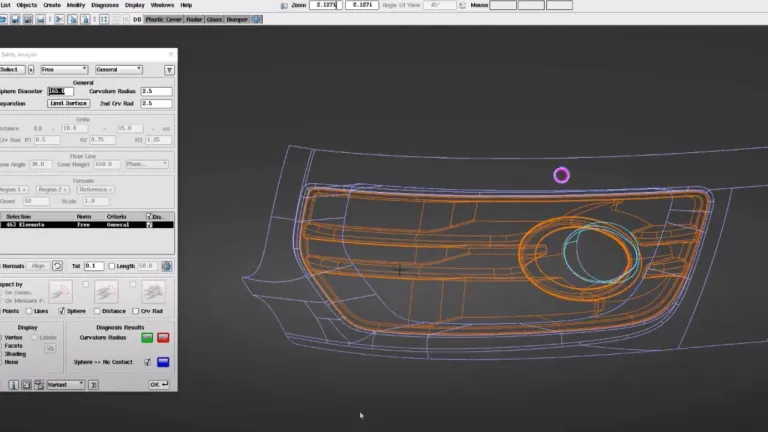
The ever increasing legislation surrounding the passive safety of automobiles continues to influence the design and protective properties in potential regions of head impact on the exterior and interior components of a vehicle design. An add-on module, ICEM Surf Safety Analysis is used to detect sharp edges and corners on a 3D model that may cause injuries, using a sphere simulating a human head that is rolled along the selected geometry to detect for curvature radii below a minimum value. Providing instant feedback for early detection and removal of potential homologation safety issues to check Safety Law compliance. No need to wait for expensive physical prototypes before testing can start.
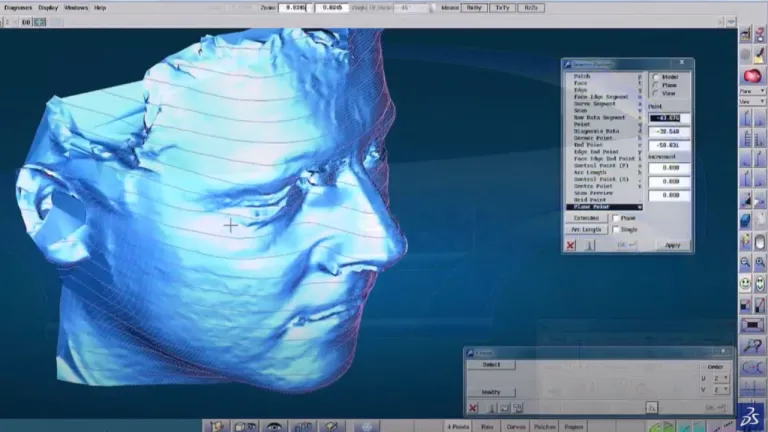
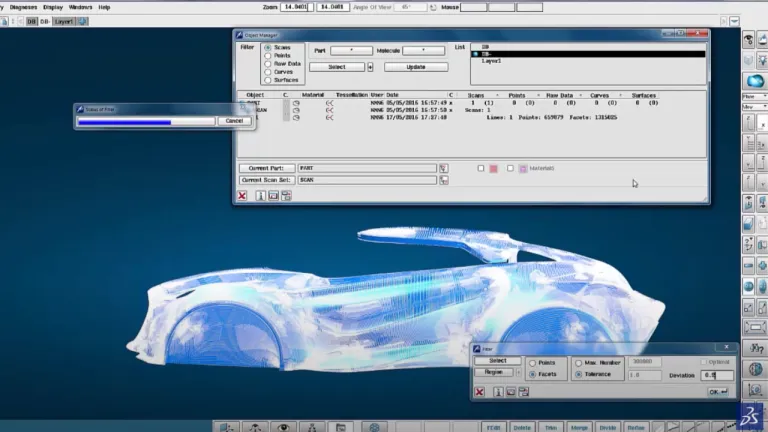
As an add-on module to ICEM Surf Professional, ICEM Surf Scan Modelling allows the user to efficiently handle dense, ordered, or random point clouds generated by automatic laser and photo digitizers. Supporting Reality Modelling** concepts of simultaneously combining facet and surface models with photo-realistic textures*, it is no longer necessary to produce surfaces in all steps of the process chain.
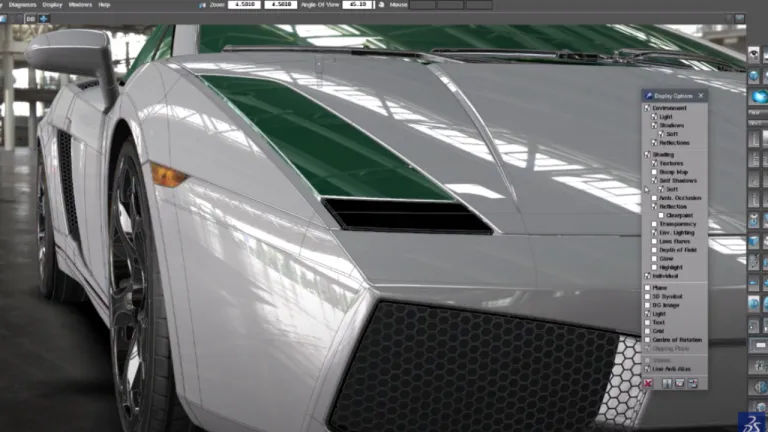
ICEM Surf Realtime Rendering offers users solutions for creating photo-realistic experiences, including Shadows, Environments, integrated Materials library and Lighting effects. Further enhance the experience with the latest immersive technology by using the VR head-mounted display to interactively control your Design review. Combining these powerful capabilities enables the development of digital prototypes, to assemble and review a digital twin of the product for use in decision-making.
Following the ICEM Surf tutorial to learn. An interesting activity.
CATIA CREATIVE DESIGN & STYLING - USER COMMUNITY
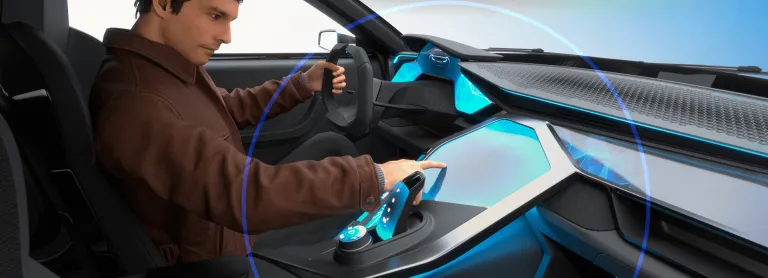
In this session Michael Adrian and Ugo BARBA-LATA, CATIA Design & Styling experts explain how CATIA Immersive Solutions capabilities address VR scenarios that places the user inside a virtual, 1:1‐scale representation of your product. Explore the all new XR skillset of the 3DExperience platform. See how you can instantly review your model without data preparation and a powerful immersive user int
CATIA CREATIVE DESIGN & STYLING - USER COMMUNITY
Hello All,Se attached a little example of a corner fillet.Everything is full parametric and have G2 matching (btw super easy to change to G3...).All function are in ICEM Design Experience (IDX) except "Corner Fillet", who belongs to the App "ICEM Shape Morphing". As you see in the video (Min 1'26), it is easy to look for a function from another App without going there (just use the Command search
CATIA CREATIVE DESIGN & STYLING - USER COMMUNITY
Shape the World We Live In
A Unified Industrial Design Workflow Solution
Speak with a CATIA expert to learn how our solutions enable seamless collaboration and sustainable innovation at organizations of every size.
Courses and classes are available for students, academia, professionals and companies. Find the right CATIA training for you.
Find information on software & hardware certification, software downloads, user documentation, support contact and services offering