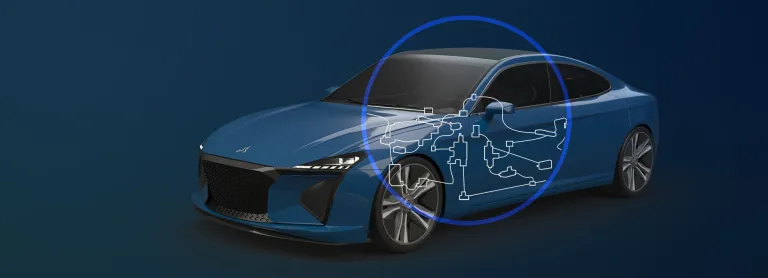
Fluid 3D Systems Designer
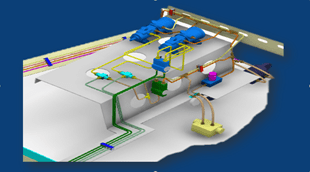
Improve piping, tubing and HVAC systems quality, shorten design time and reduce material costs by optimizing the physical design of complex fluid systems
Role
Design End-to-end, compliant Fluid Systems in a Collaborative Product Development platform
Fluid systems are designed to process fluids such as piping, tubing, HVAC, transport them, or transmitting power through fluids in some cases. These systems can be manufactured from different materials depending on applications. As the material & flow properties can vary along the process, design of fluid systems is governed by various standards & specifications. This enables strict codification, classification, compliance in the context of usage.
The 3DEXPERIENCE platform enables lifecycle management of piping, tubing and HVAC systems. Quick and easy integration with processes helps accelerate collaborative delivery of product innovations. This also strengthens the ability to manage complex systems.
Due to the increasing product/process complexities, fluid system makers follow a standardization approach. This ensures not only compliance to the regulations but also enables engineers to work within narrower options that are already validated.
CATIA 3DEXPERIENCE Fluid Engineering Solutions supports deployment of such standards and specifications (through Engineering Specifications Editor, Data-Setup apps & libraries/catalogs). Site-administrators can allow engineers of a project to work within a specific set of standards relevant to that industry. Thus, ensuring a higher degree of compliance.
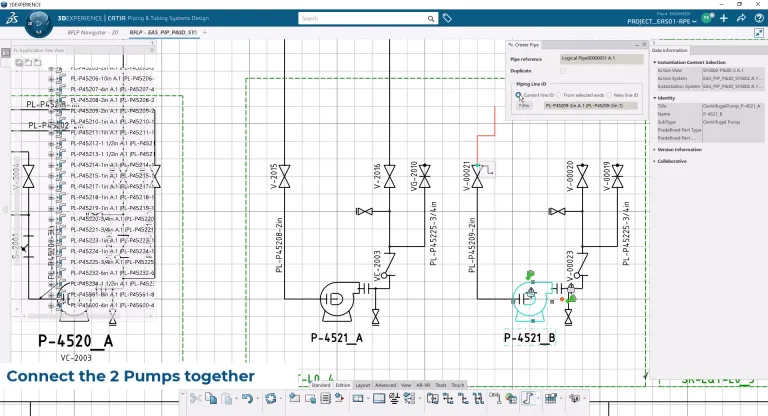
With 2D Schematics, create your diagrams easily and quickly using efficient 2D tools. Be it preliminary block diagrams or advance PFDs or complex P&IDs, schematics tools not only address different levels of complexities, but also multi-disciplinary data-objects.
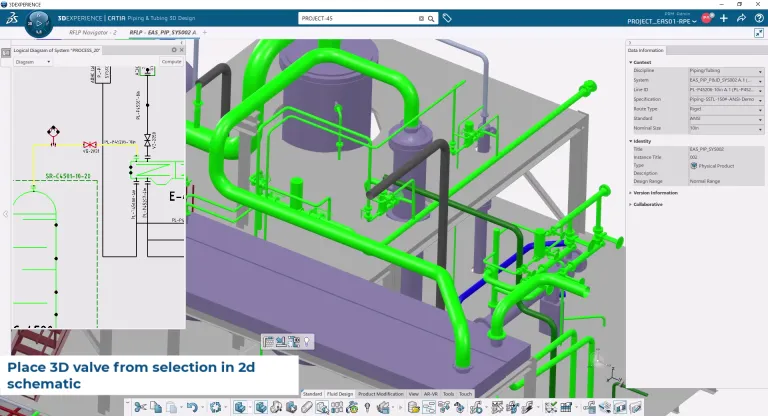
3D Fluid Engineers can make an early start, even if schematics are not ready, hence saving time. At an appropriate maturity milestone, the 2D and 3D designs can be synchronized to ensure completeness as well as traceability.
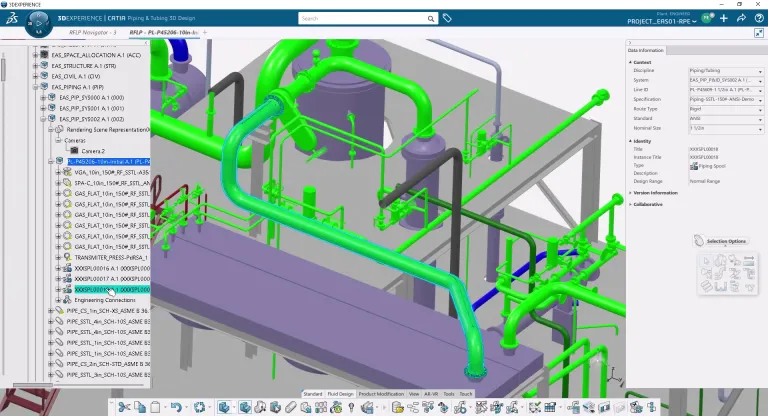
Fluid 3D Systems design tools help engineers place equipment’s and create the fluid network efficiently. Strong geometrical capabilities along with robust compliance mechanism help achieving their objectives. Additionally, design automation enables higher productivity and less errors.
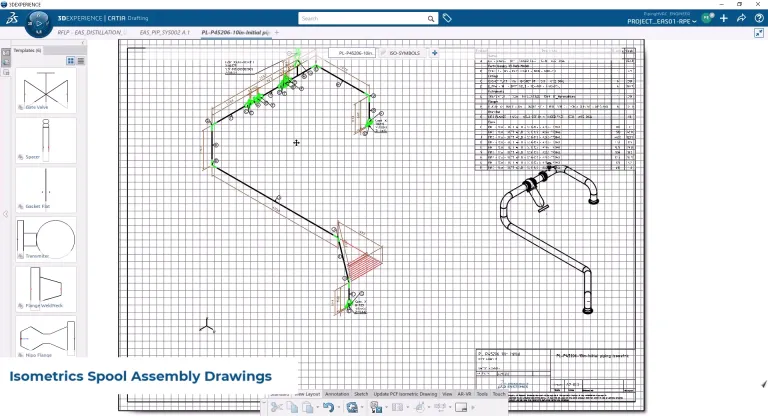
Design journey doesn't stop at 3D design, manufacturing deliverables can be easily generated according to specific requirements. These deliverables can be spool fabrication drawings, assembly drawings, engineering BOM, manufacturing BOM, reports, etc.
CATIA Fluid Engineering software products are packaged as Roles on the 3DEXPERIENCE platform to get you up to speed faster and work more efficiently with all needed applications available at your fingertips. Select a package that corresponds to your role in an organization.
Improve piping, tubing and HVAC systems quality, shorten design time and reduce material costs by optimizing the physical design of complex fluid systems
Role
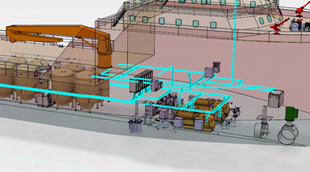
Engineer fluid & electrical systems and steel layout equipment while ensuring integration/synchronization in context of the overall ship or offshore platform
Role
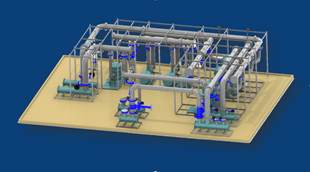
An integrated 3D fluid systems development environment for the physical design of piping and HVAC systems in the context of the Digital Mock-Up
Role
The SE commision of UCODS is pleased is pleased to announce its next webinar : "From Needs to Tests" which will take place on October 14, 2026 at 05:00 pm (French Time)Register at the following link:https://www.ucods.eu/event/from-needs-to-tests-56/registerWebinar Description : This webinar showcases a unified, collaborative approach from requirements management (TRM) to test management (VRP)
CATIA MBSE CYBER SYSTEMS
This is amazing new integration sample of flexible web based UI. Based on highly configurable ALM web based solution - Tuleap. Solution is for non-modeler to capture business data and automatically transition it to world wide recognized standard of the model in OMG UAF. Solution is covering UAF strategy, operational, resources model generation including elements, relations and diagrams. OverviewT
CATIA MBSE CYBER SYSTEMS
Hi,Is there a published format of a Cameo Collaborator Document? For example, is it possible to access the links with a collaborator document? How is the collaborator document stored? Thank you, Maria DAgostino
CATIA MBSE CYBER SYSTEMS
SysML v2 gives shapes, coordinate frames and units a meaning that tools can reason over. Lets overview SysML v2 geometry capabilities from a ten-line car envelope to requirements that are rechecked in CATIA / 3DEXPERIENCE.Full demo:https://youtu.be/4SHATeLi2o8 Note: All figures are renders and screenshots from running models.An orbital station of about 150 parts. Every shape and every position i
CATIA MBSE CYBER SYSTEMS
Virtual Twin for Electrical & Fluid Systems Design Process
EBooks
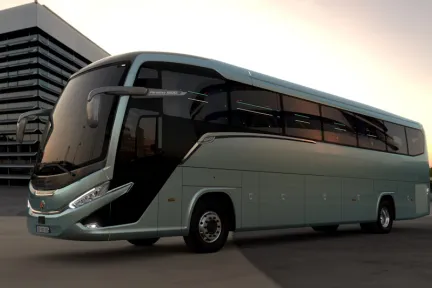
Discover how Marcopolo uses the 3DEXPERIENCE platform to streamline bus development, centralize product data, and speed time to market.
Customer Story
Manage traceability along the entire electrical systems life-cycle
E-seminars
A Powerful End-to-end Process for All Electrical Designers
A Comprehensive Set of Engineering Roles Integrated in a Seamless Design Process
Speak with a CATIA expert to learn how our solutions enable seamless collaboration and sustainable innovation at organizations of every size.
Courses and classes are available for students, academia, professionals and companies. Find the right CATIA training for you.
Find information on software & hardware certification, software downloads, user documentation, support contact and services offering