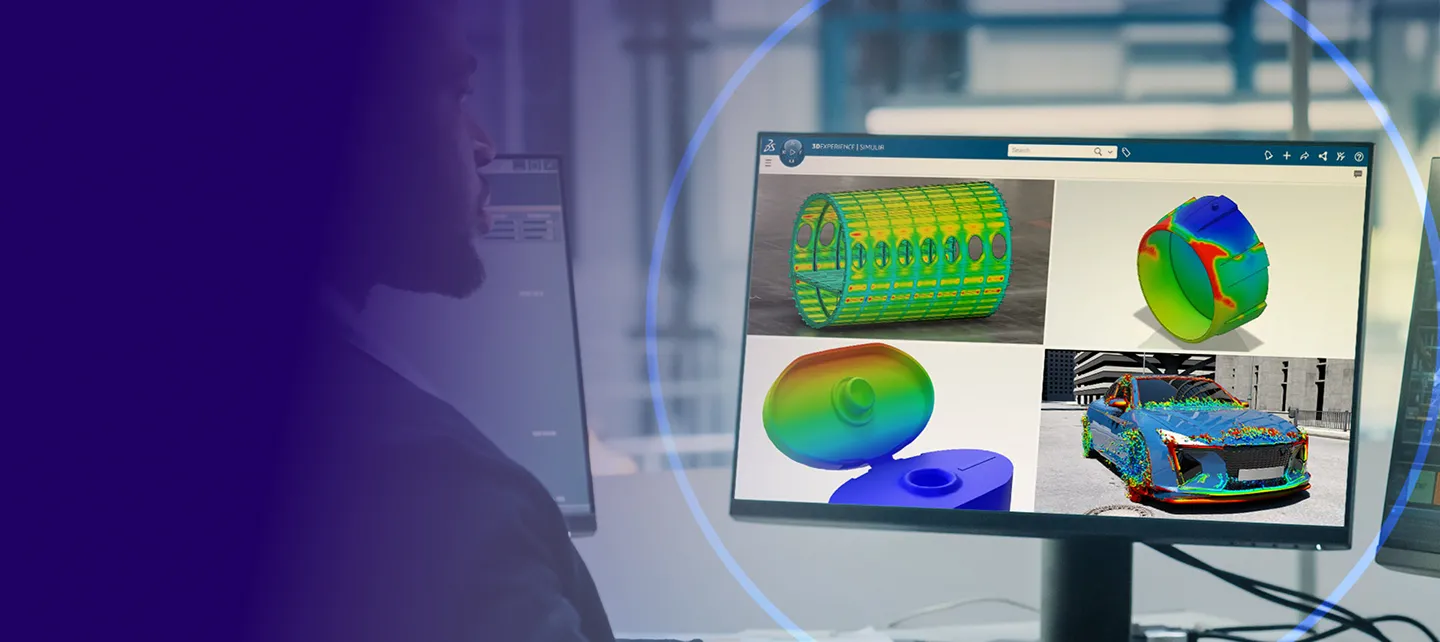
Get started with PLM Express Design & Simulation Engineering
Everything you need for the setup and usage of CATIA & SIMULIA PLM Express
Launch Your 3DEXPERIENCE Platform
After logging into the 3DEXPERIENCE platform, discover how to navigate your collaborative environment.
Is your platform already set up? Click here to access.

STEP 1
Check your Inbox
Look for the email from 3ds.com with the subject “Your 3DEXPERIENCE platform is ready to use”.
Click the "Launch your 3DEXPERIENCE platform" button in the email.
STEP 2
Invite & grant access
Invite your team and give them access to apps by granting them roles through to your Members Management dashboard.
STEP 3
Install your desktop apps
Find a detailed video explanation step by step in the dedicated Wik page we created for you in the 3DEXPERIENCE platform.
Setting Up Your Design Environment
EXPERIENCE fundamentals for a CATIA user
Not a user yet? Click here to preview.
⭐ START HERE
Create a space to organize data
Manage a collaborative space and organize your content.
FUNDAMENTALS
Get started with 3DEXPERIENCE CATIA
Create parts, products, and drawings in 3DEXPERIENCE CATIA.
DATA MANAGEMENT
Import files and retrieve data
Import CAD files and use 3DSearch or 6W Tags to find them.
COLLABORATION
Create and use communities
Create and manage communities to collaborate with others.
SHARE & COLLABORATE
Create and share dashboards
Create, manage, and share dashboards with others.
Start Your Learning Journey
After completing the above you are ready to learn and use Design & Simulation. Select your bundle to get started.
- Essential
- Master
- Elite
Onboarding
Start with design & simulation essentials
Develop essential design and simulation skills through guided learning paths covering CATIA and SIMULIA.
CATIA ONBOARDING
Design Engineering Essential
Design, manage, and collaborate on mechanical products from first part to final release, all included in your bundle.
- Design and modify mechanical parts
- Manage the engineering definition from end to end
- Collaborate through flexible team-based project planning
- Instantiate new processes
- 3DEXPERIENCE Mechanical Designer – Certification
SIMULIA LEARNING MODULE
Getting Started with Physics Simulation
Perform linear structural and steady state thermal simulations during the design process.
- Simulation Disciplines and Roles
- Native Apps User Interface
- Data and Search
Adoption
Advance Your Expertise
Go beyond the basics with practical tutorials and resources that help you expand your design and simulation skills across CATIA and SIMULIA.
CATIA ADOPTION
Design Engineering Essential
- Discover advanced features of Assembly Design
- Create drawings, projections and section views of 2D models or assemblies
- Create curves and surfaces while applying resilient modeling
- Design a sheet metal part for manufacturing
- 3DEXPERIENCE Mechanical Designer Professional - Certification
SIMULIA LEARNING MODULE
Perform as a Structural Engineer
Build your structural analysis skills in SIMULIA, from creating models and scenarios to exploring results, and prepare for the 3DEXPERIENCE Structural Engineer Associate certification.
Mastering
Master advanced design & simulation
Apply advanced techniques to complex, real-world challenges. Build mastery through in-depth learning paths and expert-level practice across CATIA and SIMULIA.
LEARNING MODULE
Practice CATIA Smart Mechanical Components
- Define and reuse smart mechanical components
- Define component specifications and place the component on the component specifications
Onboarding
Start with design & simulation essentials
Develop essential design and simulation skills through guided learning paths covering CATIA and SIMULIA.
CATIA ONBOARDING
Design Engineering Master
- Create, annotate, simulate and manage complex mechanical engineering designs
- Instantiate new processes and execute tasks
- Manage the engineering definition from end to end
- 3DEXPERIENCE Mechanical Designer Associate - Certification
SIMULIA LEARNING MODULE
Getting Started with Physics Simulation
Perform linear structural and steady state thermal simulations during the design process.
- Simulation Disciplines and Roles
- Native Apps User Interface
- Data and Search
Adoption
Advance Your Expertise
Go beyond the basics with practical tutorials and resources that help you expand your design and simulation skills across CATIA and SIMULIA.
CATIA ADOPTION
Design Engineering Master
- Create curves and surfaces using the Generative Wireframe and Surface app
- Create annotation planes and learn how to add and manage 3D annotations.
- Create assembly features and patterns
- 3DEXPERIENCE Mechanical Designer [hands-on] - Certification
SIMULIA Learning Module
Structural Simulation Essentials
- Dynamic Simulations
- Getting Started with Simulation
- Meshing
- Steps and Static Simulations
- Loads, Boundary Conditions and Initial Conditions
- Running Simulations and Postprocessing
Mastering
Master advanced design & simulation
Apply advanced techniques to complex, real-world challenges. Build mastery through in-depth learning paths and expert-level practice across CATIA and SIMULIA.
SIMULIA LEARNING MODULE
Practice CATIA Mechanical Systems Experience
- Define behaviors by manually recording an animation and by using laws
- Learn how to include the analysis of measurements and accelerations
SIMULIA LEARNING MODULE
Perform as a Test Manager
- Getting Started with Automation and Optimization
- Test Management Essentials: Build a validation plan, record the steps an operator needs to know to carry out a virtual or physical test and record whether requirements are met.
Onboarding
Start with design & simulation essentials
Develop essential design and simulation skills through guided learning paths covering CATIA and SIMULIA.
CATIA ONBOARDING
Design Engineering Elite
- Create and easily manage a complex mechanical engineering project
- Instantiate new processes, execute tasks assigned to you through a business process
- Manage the engineering definition of products from early definition to final validation
- 3DEXPERIENCE Mechanical & Shape Engineer Associate - Certification
SIMULIA LEARNING MODULE
Getting Started with Physics Simulation
Perform linear structural and steady state thermal simulations during the design process.
- Simulation Disciplines and Roles
- Native Apps User Interface
- Data and Search
Adoption
Advance Your Expertise
Go beyond the basics with practical tutorials and resources that help you expand your design and simulation skills across CATIA and SIMULIA.
CATIA ADOPTION
Design Engineering Master
- Create curves and surfaces using the Generative Wireframe and Surface app
- Create annotation planes and learn how to add and manage 3D annotations.
- Create assembly features and patterns
- 3DEXPERIENCE Mechanical Designer [hands-on] - Certification
SIMULIA Learning Module
Structural Simulation Essentials
- Dynamic Simulations
- Getting Started with Simulation
- Meshing
- Steps and Static Simulations
- Loads, Boundary Conditions and Initial Conditions
- Running Simulations and Postprocessing
Mastering
Master advanced design & simulation
Apply advanced techniques to complex, real-world challenges. Build mastery through in-depth learning paths and expert-level practice across CATIA and SIMULIA.
SIMULIA LEARNING MODULE
Perform as a Plastic Injection Engineer
- Getting Started with Physics Simulation
- Practice SIMULIA Plastic Injection
- Explore the Collaborative Industry Innovator Role
- Practice ENOVIA Collaborative Lifecycle Management
SIMULIA LEARNING MODULE
Perform as a Test Manager
- Getting Started with Automation and Optimization
- Test Management Essentials: Build a validation plan, record the steps an operator needs to know to carry out a virtual or physical test and record whether requirements are met.
Help & Support Resources
Find solutions and answers right away with these resources

Access 3DSupport app
Get quick access to tools, resources, and support wherever you need them.

Support center
Find helpful resources, guides, and solutions for your support needs.

CATIA user forum
Connect with CATIA users, share knowledge, and find answers to your questions.

Looking for help with setup?
One of our certified local partners will contact you shortly after purchase.
For additional help, reach out through our support form.
Haven’t purchased yet?
To get full access to Design & Simulation Engineering and start using all features, you’ll need to purchase a license first. Explore the product details, compare options, and choose the plan that best fits your needs.